
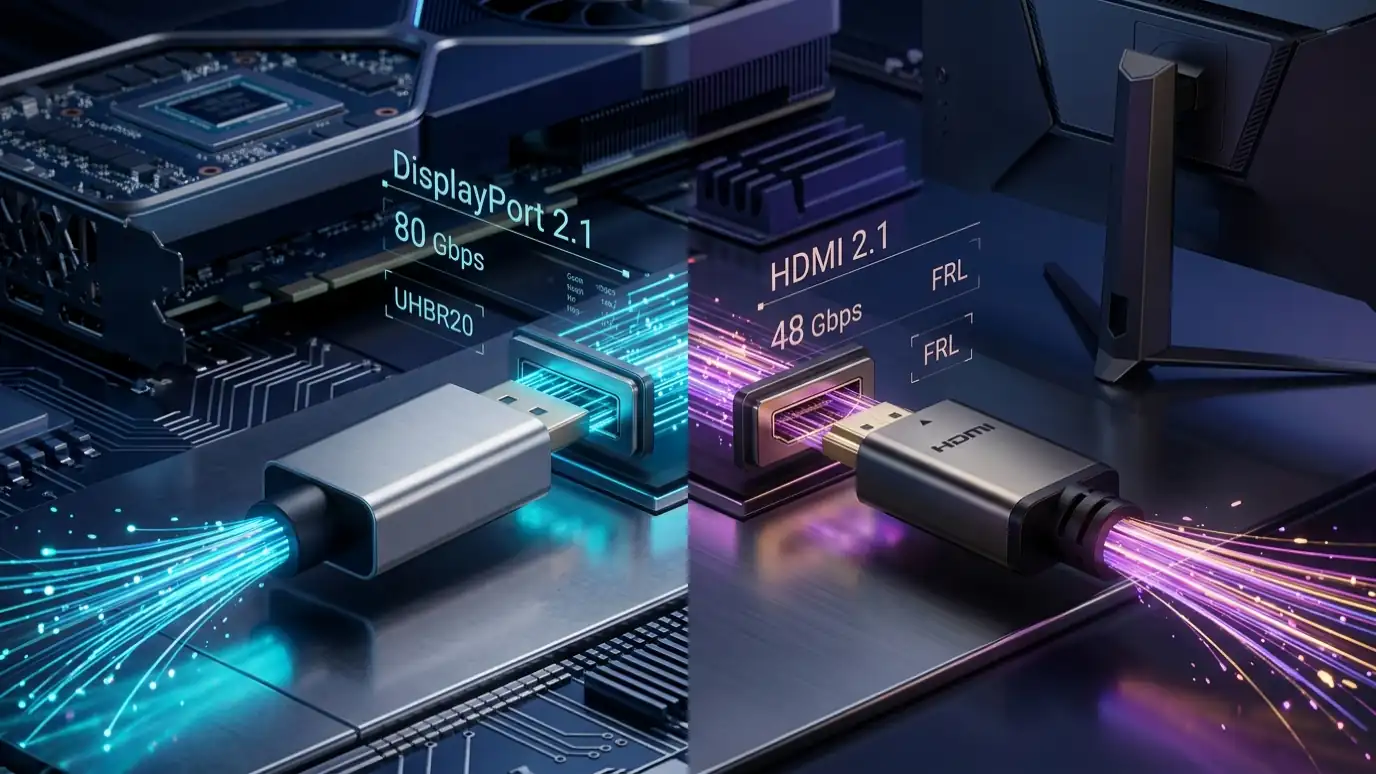
DisplayPort 2.1 vs HDMI 2.1: Learn the key differences in bandwidth (80Gbps vs 48Gbps), refresh rates, eARC, DSC, and which cable your display needs.
Modern gaming monitors and flagship televisions have pushed visual performance to levels once thought impossible: 4K resolution at 240Hz, ultrawide panels with lightning-fast response times, and 8K creative workflows. However, driving these massive pixel counts without input latency, frame tearing, or noticeable visual compression requires serious physical bandwidth.
The two dominant connectivity standards powering high-end displays today are DisplayPort 2.1 and HDMI 2.1. While both cables connect your graphics card or console to a screen, the underlying physical architecture, channel encoding, and audio-video capabilities differ significantly.
Whether you are building a competitive PC gaming rig, upgrading to an OLED monitor, or hooking up a next-generation console, choosing the wrong port or cable can silently bottleneck your frame rates and visual quality. In this comprehensive guide, we break down the key differences between DisplayPort 2.1 and HDMI 2.1 so you know exactly which standard suits your hardware setup.
What Is DisplayPort 2.1?
DisplayPort 2.1 is the latest high-performance display interface developed and governed by VESA (Video Electronics Standards Association). Announced as an update to DisplayPort 2.0, DisplayPort 2.1 aligns the physical layer (PHY) specifications more closely with modern USB4 and Thunderbolt protocols, ensuring rock-solid signal integrity over traditional DisplayPort plugs and native USB-C cables.
How Does DisplayPort 2.1 Work?
DisplayPort 2.1 achieves its extraordinary speed through highly efficient transmission protocols and increased clock frequencies across its physical data lanes:
- 128b/132b Channel Encoding: Older standards like DisplayPort 1.4 used 8b/10b encoding, which wasted 20% of total bandwidth purely on signaling overhead. DisplayPort 2.1 transitions to 128b/132b encoding, increasing data transmission efficiency to approximately 97%.
- Ultra-High Bit Rate (UHBR) Transmission: DisplayPort 2.1 divides bandwidth into three distinct performance tiers depending on hardware capability:
- UHBR10: 10 Gbps per lane across 4 lanes = 40 Gbps raw (38.69 Gbps usable payload).
- UHBR13.5: 13.5 Gbps per lane across 4 lanes = 54 Gbps raw (52.22 Gbps usable payload).
- UHBR20: 20 Gbps per lane across 4 lanes = 80 Gbps raw (77.37 Gbps usable payload).
- Multi-Stream Transport (MST): A signature architectural advantage of DisplayPort is native MST. It allows a single DisplayPort 2.1 GPU output to drive multiple independent displays via daisy-chaining or dedicated hubs without mirroring.
- Display Stream Compression (DSC 1.2a): When extreme resolutions like 8K at 120Hz or dual 4K at 240Hz exceed even native UHBR limits, DisplayPort uses visually lossless DSC to compress data in real-time with virtually zero added latency.
Examples of DisplayPort 2.1 Devices and Hardware
DisplayPort 2.1 is engineered primarily for desktop computing, professional workstations, and high-end esports setups. Typical implementations include:
- Desktop Graphics Cards: Modern desktop GPUs from AMD (Radeon RX 7000 and RX 8000 series) and next-generation architecture offerings from Nvidia support DisplayPort 2.1 native outputs.
- Esports and OLED Gaming Monitors: High-refresh displays such as 32-inch 4K 240Hz QD-OLED monitors and 1440p 480Hz/500Hz competitive panels utilize DP 2.1 to bypass compression and maximize frame pipeline stability.
- USB-C & Thunderbolt Docks: Laptops connecting via USB-C DisplayPort Alt Mode take direct advantage of DP 2.1 tunneling for high-resolution dual-monitor setups.
What Is HDMI 2.1?
HDMI 2.1 (along with its incremental HDMI 2.1a revision) is the universal consumer audiovisual standard managed by the HDMI Forum and the HDMI Licensing Administrator. Found on practically every modern 4K TV, home theater receiver, soundbar, and home gaming console, HDMI 2.1 is the backbone of living room entertainment.
Main Functions of HDMI 2.1
Unlike legacy HDMI 2.0 (which was limited to 18 Gbps over TMDS signaling), HDMI 2.1 was rebuilt from the ground up to handle high frame rates and modern gaming features:
- Fixed Rate Link (FRL): HDMI 2.1 replaces older TMDS signaling with FRL. FRL utilizes 16b/18b encoding (yielding approximately 88.8% efficiency) and operates across 3 or 4 lanes up to 12 Gbps per lane, reaching a peak bandwidth of 48 Gbps raw (~42.6 Gbps usable data payload).
- Enhanced Audio Return Channel (eARC): HDMI 2.1 can pass high-bitrate, uncompressed 32-channel audio (including Dolby Atmos and DTS:X) from a television back down to an AV receiver or soundbar over a single cable at up to 37 Mbps.
- Auto Low Latency Mode (ALLM): When a console or gaming PC turns on, HDMI 2.1 automatically signals the television to disable post-processing and engage “Game Mode” for lowest input lag.
- HDMI Forum VRR: Native Variable Refresh Rate synchronizes GPU frames with the display refresh rate to eliminate tearing and stuttering on consoles and PCs alike.
DisplayPort 2.1 vs HDMI 2.1: Key Differences
While both standards support 4K gaming at 120Hz and beyond, their technical ceilings, design objectives, and target ecosystems are distinct. The table below outlines how DisplayPort 2.1 and HDMI 2.1 compare across all critical hardware parameters:
| Feature / Specification | DisplayPort 2.1 | HDMI 2.1 |
|---|---|---|
| Governing Body | VESA (Video Electronics Standards Association) | HDMI Forum / HDMI Licensing Admin |
| Maximum Raw Bandwidth | Up to 80 Gbps (UHBR20) | Up to 48 Gbps (FRL6) |
| Maximum Usable Data Rate | 77.37 Gbps (approx. 97% efficiency) | 42.6 Gbps (approx. 88.8% efficiency) |
| Channel Encoding | 128b/132b | 16b/18b (FRL mode) |
| Primary Target Devices | Gaming PCs, Esports Monitors, Workstations | Gaming Consoles (PS5, Xbox), 4K/8K TVs, Soundbars |
| Multi-Monitor Daisy Chaining | Yes (Native Multi-Stream Transport / MST) | No (Requires external splitters; mirrored only) |
| Audio Return Channel (eARC) | No (Carries audio downstream; no return channel) | Yes (eARC up to 37 Mbps for Atmos / DTS:X) |
| Variable Refresh Rate (VRR) | VESA Adaptive-Sync, AMD FreeSync, G-Sync Compatible | HDMI Forum VRR, AMD FreeSync, G-Sync Compatible |
| Display Stream Compression (DSC) | DSC 1.2a (Native integration) | DSC 1.2a (Supported in FRL modes) |
| Connector Options | Full DisplayPort, Mini-DP, USB-C (DP Alt Mode) | Standard Type A, Mini HDMI (Type C), Micro (Type D) |
| Official Cable Certification | VESA Certified DP40 / DP80 | Ultra High Speed HDMI (with QR verification) |
Which One Do You Actually Need?
Because modern graphics cards and gaming monitors frequently feature both DisplayPort 2.1 and HDMI 2.1 ports, deciding which cable to plug in comes down to your primary use case.
Choose DisplayPort 2.1 If:
- You are a dedicated PC gamer on a high-refresh monitor: If your monitor runs at 1440p at 360Hz/480Hz or 4K at 240Hz, DisplayPort 2.1’s 80 Gbps bandwidth allows you to run maxed-out color depth (10-bit or 12-bit RGB) and refresh rates natively with minimal or zero reliance on compression.
- You use a multi-monitor desktop setup: DisplayPort’s native Multi-Stream Transport (MST) allows you to run multiple monitors daisy-chained through a single graphics card output or docking station.
- You connect via a modern laptop or USB-C dock: USB4 and Thunderbolt ports output video using native DisplayPort Alt Mode. DisplayPort 2.1 aligns perfectly with these ports for dual-monitor workstation docks.
- You prioritize PC adaptive sync features: NVIDIA G-Sync and VESA Adaptive-Sync handshakes have historically been most stable and responsive over native DisplayPort protocols.
Choose HDMI 2.1 If:
- You game on a modern 4K or 8K television: Flagship TVs from LG, Samsung, Sony, and TCL almost exclusively use HDMI 2.1 ports rather than DisplayPort.
- You own a console (PS5, PS5 Pro, Xbox Series X): Game consoles do not have DisplayPort ports. HDMI 2.1 is mandatory to achieve 4K at 120Hz, HDR, and Variable Refresh Rate on consoles.
- You have a living room home theater or soundbar: If you need Dolby Atmos or uncompressed multi-channel audio routed to an AV receiver or soundbar, HDMI 2.1’s eARC is essential. DisplayPort cannot route audio upstream back into audio receivers.
- You require longer cable runs: HDMI 2.1 active optical cables (AOC) are widely available and certified for runs exceeding 5 to 15 meters without signal degradation.
How Do DisplayPort 2.1 and HDMI 2.1 Work Together?
In many setups, users need to connect a GPU with DisplayPort outputs to an HDMI television, or vice versa. Understanding how these two standards interoperate prevents costly mistakes:
- Active vs. Passive Adapters: Older DisplayPort outputs supported “Dual-Mode” (DP++), allowing cheap passive copper adapters to convert DP signals to basic HDMI. However, high-bandwidth HDMI 2.1 FRL speeds (48 Gbps) cannot be converted passively. To connect a DisplayPort 2.1 output to an HDMI 2.1 4K 120Hz/144Hz input, you must use an active protocol converter cable that houses an internal chip to translate the 128b/132b packet stream into 16b/18b FRL.
- Directional Converter Limitations: Most active display adapters are unidirectional (DisplayPort host to HDMI display). They do not work in reverse. If you need to connect an HDMI 2.1 source (like a console) to a DisplayPort monitor, you require a specialized, powered HDMI-to-DP active adapter.
- Display Stream Compression (DSC) Interoperability: Both standards natively understand VESA DSC 1.2a. When an active adapter bridges the two standards, it can preserve compressed high-frame-rate streams seamlessly without degrading visual clarity.
What to Check Before Buying
Before purchasing new cables or upgrading hardware, verify these critical checkpoints to avoid compatibility bottlenecks:
- Check the VESA Cable Tier (DP40 vs. DP80): Not all DisplayPort 2.1 cables support full 80 Gbps. VESA certifies two tiers: DP40 (guarantees up to UHBR10 / 40 Gbps) and DP80 (guarantees full UHBR20 / 80 Gbps). If you have an ultra-high-refresh 4K or 8K display, make sure your cable is explicitly labeled and certified DP80.
- Inspect the HDMI 2.1 Labeling: Because the HDMI Licensing Administrator allows manufacturers to label older HDMI 2.0 ports as “HDMI 2.1” under certain marketing rules, always look for the explicit specification: 48 Gbps FRL and certified Ultra High Speed HDMI holographic QR codes on cable packaging.
- Verify Your GPU Port Capabilities: Not all graphics cards implement the top speed tier. Some laptops or budget cards with DisplayPort 2.1 only support UHBR10 (40 Gbps), while higher-tier cards support full UHBR20. Always consult your GPU manufacturer’s specification sheet.
- Keep Cable Lengths Practical: At 48 Gbps and 80 Gbps, high-frequency electrical signals attenuate rapidly over standard copper. Passive DP80 cables are typically limited to 0.8 meters to 1.2 meters. For longer runs (over 2 meters), look for certified active optical cables (AOC).
Common DisplayPort 2.1 and HDMI 2.1 Problems
Even with high-end hardware, users frequently encounter frustrating setup issues. Here are the three most common problems and how to resolve them:
Why Is My Refresh Rate Capped at 60Hz or 120Hz Instead of 240Hz?
If your 240Hz display is restricted to 60Hz or 120Hz in Windows Display Settings, the issue is almost always a physical link negotiation failure. This happens when:
- You are using an older DisplayPort 1.4 or HDMI 2.0 cable that cannot negotiate the higher frequency link.
- The monitor’s on-screen display (OSD) input setting is manually set to legacy compatibility mode (e.g. DP 1.2 or HDMI 2.0). Open your monitor’s OSD menu, navigate to the Input/System settings, and ensure the port is set to DP 2.1 or HDMI 2.1 (PC Mode).
- Your graphics driver needs a clean reinstall or DSC is disabled in the GPU control panel.
Why Does My Screen Randomly Black Out or Flicker Under Heavy Gaming?
Intermittent black screens or flickering that occur specifically when launching high-refresh-rate 3D games indicate signal integrity loss. High-bandwidth signals (48 Gbps to 80 Gbps) are sensitive to electromagnetic interference and voltage drops. Replace unbranded or cheap extension cables with a certified DP80 or Ultra High Speed HDMI cable under 1.8 meters in length, and ensure the cable is firmly seated without heavy tension on the connector pins.
Why Is G-Sync or VRR Grayed Out in the Graphics Control Panel?
If Variable Refresh Rate is unavailable, verify your connection pathway:
- On DisplayPort: Adaptive-Sync must be toggled “ON” in your monitor’s OSD menu before the NVIDIA or AMD control panel can detect G-Sync Compatible status.
- On HDMI: Ensure your display supports HDMI Forum VRR rather than an older proprietary protocol. If connecting through an AV receiver or soundbar passthrough, verify that the receiver supports 48 Gbps VRR passthrough; older audio receivers block VRR handshakes.
FAQs
Is DisplayPort 2.1 faster than HDMI 2.1?
Yes. DisplayPort 2.1 at its maximum UHBR20 tier delivers up to 80 Gbps raw bandwidth (77.37 Gbps usable data rate), compared to HDMI 2.1’s maximum of 48 Gbps raw bandwidth (42.6 Gbps usable data rate). This gives DisplayPort 2.1 nearly 80% higher usable throughput for extreme refresh rates and resolutions without compression.
Can I plug an older DisplayPort 1.4 cable into a DisplayPort 2.1 port?
Yes. DisplayPort 2.1 connectors are physically backward-compatible with older DisplayPort cables and ports. However, an older DP 1.4 cable will only operate at DisplayPort 1.4 speeds (maximum 32.4 Gbps HBR3). To reach UHBR10, UHBR13.5, or UHBR20 speeds, you must use a certified DP40 or DP80 cable.
Does DisplayPort 2.1 support audio return channel (eARC)?
No. DisplayPort delivers high-definition multi-channel audio downstream from your computer to your monitor’s internal speakers or headphone jack, but it does not support an audio return channel (eARC/ARC). For routing living room TV audio back to an external soundbar or AV receiver, HDMI 2.1 is required.
Do gaming consoles like the PS5 or Xbox Series X support DisplayPort 2.1?
No. Current-generation consoles (including the PlayStation 5, PlayStation 5 Pro, and Xbox Series X) exclusively feature HDMI 2.1 ports. They do not have native DisplayPort outputs. Console gamers should always connect using a certified Ultra High Speed HDMI 2.1 cable.
Key Takings:
- Bandwidth Leader: DisplayPort 2.1 reaches up to 80 Gbps (77.37 Gbps usable), making it the most powerful display connection for PC esports and uncompressed multi-monitor setups.
- Living Room Champion: HDMI 2.1 maxes out at 48 Gbps (42.6 Gbps usable) and dominates televisions, consoles (PS5/Xbox), and home theaters thanks to universal eARC audio return.
- Encoding Efficiency: DisplayPort 2.1’s 128b/132b encoding provides ~97% efficiency, compared to HDMI 2.1’s 16b/18b encoding at ~88.8%.
- Multi-Monitor Workflows: DisplayPort natively supports Multi-Stream Transport (MST) daisy-chaining, whereas HDMI requires separate outputs or splitters.
- Cable Certification Matters: For DisplayPort 2.1, purchase certified DP40 or DP80 cables; for HDMI 2.1, look for genuine Ultra High Speed HDMI certification labels.
Additional Resources:
- VESA’s Official DisplayPort 2.1 Specification Standard: Official Video Electronics Standards Association architectural document detailing UHBR link layers, 128b/132b signaling efficiency, and USB-C DP Alt Mode interoperability.

Abdulrehman Khalid ✓ Verified Author
Founder & Lead Hardware Analyst at TechWorthies
Abdulrehman Khalid is a technology analyst, hardware researcher, and founder of TechWorthies. With extensive hands-on experience in benchmarking computer hardware, display interfaces, and wireless communications, he specializes in high-speed bus architectures, consumer electronics diagnostics, and emerging AI robotics. His technical guides prioritize empirical lab testing, official standards verification (IEEE, VESA, JEDEC), and actionable troubleshooting for hardware enthusiasts.