
Key Takeaways
- Instant Matrix Testing: Test your keyboard for ghosting, key jamming, and rollover limits in real time.
- Full 104-Key ANSI Support: Verify every key, including function keys, navigation cluster, and full numeric pad.
- NKRO Verification: Confirm if your mechanical board supports true N-Key Rollover or standard 6KRO.
- Zero Software Installation: Runs 100% inside your browser using client-side Web Audio and event listeners.
What Is Keyboard Ghosting and Why Does It Happen?
Keyboard ghosting occurs when pressing multiple keys simultaneously causes an unpressed key to register. It also happens when an intended key press fails to register completely. This flaw stems from cost-saving designs in membrane keyboards.
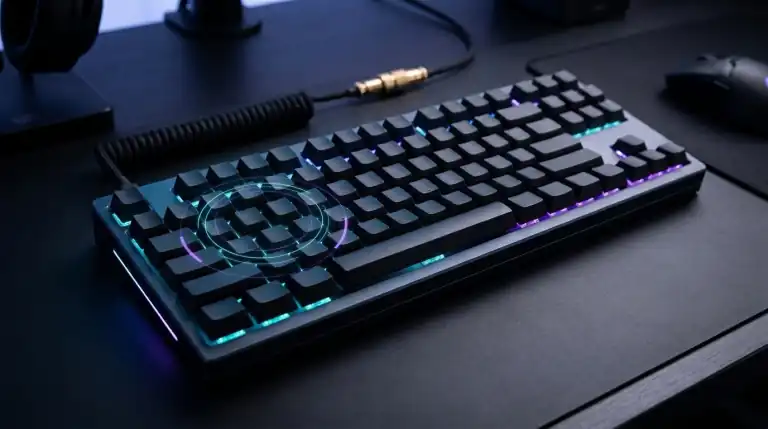
Most budget keyboards arrange key switches in a grid matrix of intersecting rows and columns. When you press three keys that share rows and columns, current flows across unintended circuits. The controller cannot determine which key closed the circuit. To prevent phantom inputs, the controller blocks additional signals. This limitation is known as key jamming.
Modern gaming keyboards eliminate this issue using internal diodes for every switch. These diodes isolate each key circuit completely. When combined with USB full-speed reporting, this architecture delivers full N-Key Rollover (NKRO).
Understanding Keyboard Rollover: 2KRO, 6KRO, and NKRO Explained
Rollover refers to the maximum number of simultaneous key presses your hardware registers accurately:
- 2KRO (Standard Office Keyboards): Registers only two keys at once reliably. Pressing three keys during fast gaming often results in missed actions.
- 6KRO (Standard USB Protocol): Allows up to six alphanumeric keys plus four modifier keys (Ctrl, Shift, Alt, Windows). This setup covers most daily typing and basic gaming needs.
- Full NKRO (Gaming Mechanical Keyboards): Every key on the keyboard registers simultaneously without conflict. You can hold twenty keys down and all twenty report instantly.
If your keyboard drops inputs during fast gaming, check your USB connection. You can also fix USB power delivery using our guide on how to stop Windows 11 from turning off USB ports.
How to Test Your Keyboard with This Tool
Testing your hardware takes only a few seconds:
- Click anywhere inside the keyboard workstation frame above.
- Press keys one by one to verify that each switch lights up blue.
- Press gaming key combinations such as W, A, S, D, Shift, and Space together.
- Check the Active Keys Down counter and Max Rollover HUD above.
- If all keys register without delay, your keyboard features true NKRO matrix design.
More Free Hardware Diagnostic Tools
Test your complete gaming and workstation hardware setup with our suite of free online browser tools:
FAQs
What is the difference between keyboard ghosting and key jamming?
Keyboard ghosting describes an unpressed key registering accidentally due to circuit leakage. Key jamming occurs when the keyboard controller intentionally blocks extra key signals to prevent ghosting errors. Both issues result from matrix row and column sharing.
Can USB keyboards have true N-Key Rollover?
Yes. Early USB keyboards had a 6-key limitation in the human interface device boot protocol. Modern gaming keyboards bypass this limitation by presenting multiple virtual USB endpoints or using custom descriptors. This architecture allows full simultaneous key reporting over a single USB cable.
Why are my modifier keys registering but normal letter keys are blocking?
Standard USB protocol handles modifier keys like Shift, Ctrl, and Alt in a separate byte. This byte has eight dedicated bits. Letter keys share remaining data bytes. Therefore, modifiers often work even on keyboards with strict 6KRO limits.
How do I test mouse latency and controller drift?
You can test your mouse switches and debounce timing on our Mouse Test tool. For gamepad analog sticks and deadzones, use our free Gamepad Drift Tester.