
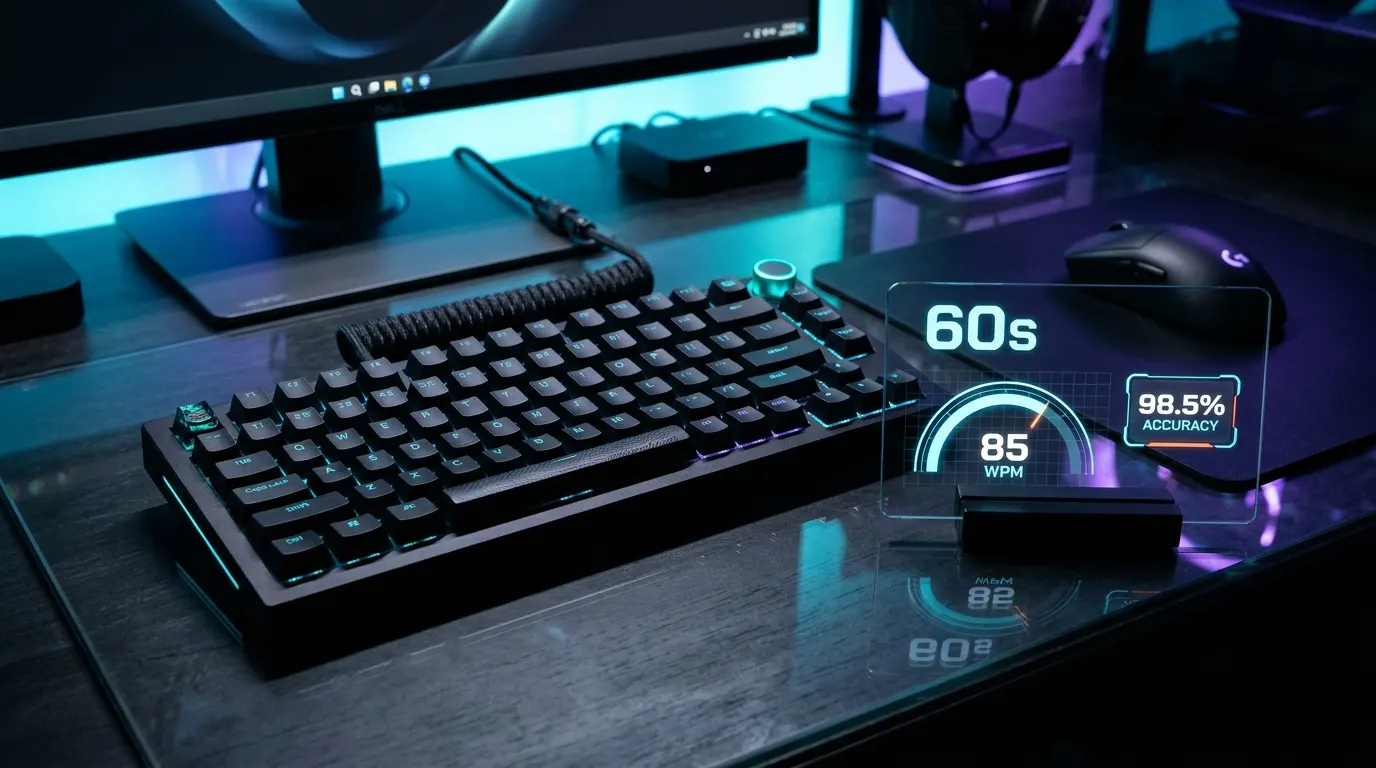
Take the Live Test Now: Ready to measure your baseline keyboard velocity? Test your real-time performance on our interactive Typing Speed Test (WPM & Accuracy). Choose the 1-minute mode to calculate your net words per minute, characters per minute, and keystroke precision with calibrated word streams.
What Is a 1-Minute Typing Test and Why Is It the Global Standard?
The 1-minute typing test is the most widely recognized keyboard benchmark in the world. Sixty seconds is the universal standard for typing evaluations. Corporate recruitment screenings and digital literacy exams rely on it to assess speed and accuracy. Extended tests evaluate physical stamina over time. In contrast, a 60-second test isolates your immediate muscle memory. It highlights cognitive processing speed and finger dexterity under pressure.
Why has the global industry settled on a single minute rather than longer testing intervals? First, sixty seconds provides an ideal snapshot of burst typing speed. In modern workflows, professionals rarely type for ten unbroken minutes. They pause frequently to think, edit, or read incoming messages. Most daily digital communication occurs in short bursts. Common tasks include drafting client emails, replying to live chats, or updating databases. Writing code snippets also follows this rapid pattern. A 1-minute test replicates these real-world conditions perfectly.
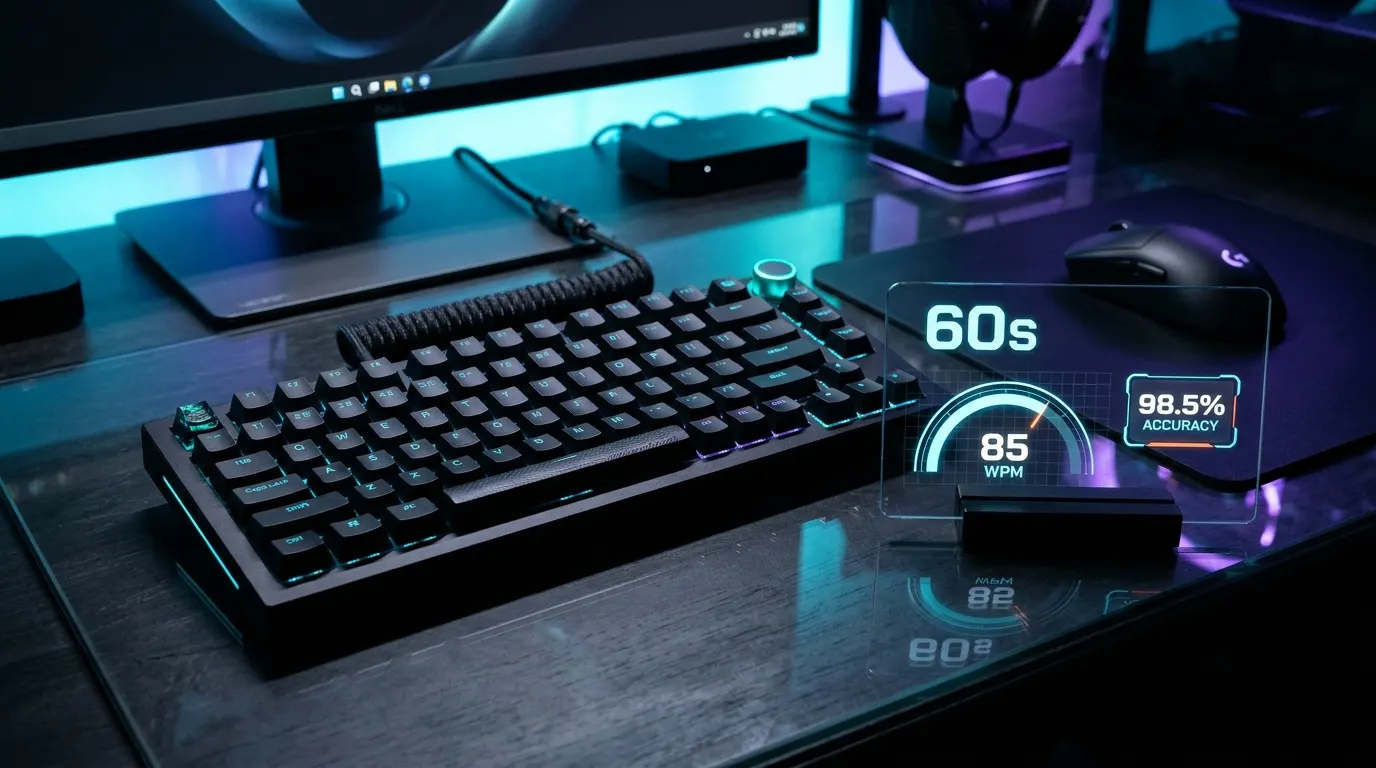
Second, 1-minute tests minimize the confounding variable of muscle fatigue. Prolonged keyboard sessions often cause forearm strain. Suboptimal desk posture can also lead to finger cramping. A 60-second sprint focuses strictly on neuromuscular coordination. You warm up your hands and focus on the prompt. You execute rapid keystrokes cleanly. Tendon exhaustion never clouds your true velocity score.
The Mathematics of 60-Second Scoring: Gross WPM vs Net WPM vs CPM
Understanding your typing score requires examining the underlying math. Standard algorithms calculate words per minute using strict formulas. Many beginners assume that software simply counts the literal words typed on the screen. However, words vary widely in length across the English vocabulary. Typing the word “an” requires two keystrokes, whereas typing “extraordinary” requires thirteen. Counting arbitrary words creates unfair scores. A typist facing technical vocabulary would score lower than someone typing simple words.
To eliminate this bias, standardized typing certification algorithms define one standardized word as exactly five keystrokes. This five-character unit includes letters, numbers, punctuation marks, and spaces. For example, if you register 300 total keystrokes in sixty seconds, software converts this to 60 gross words. This standard keystroke normalization allows fair comparisons across different texts and languages.
To understand your real capability, you must evaluate three distinct keyboard telemetry metrics:
1. Gross Words Per Minute (GWPM)
Gross typing speed measures raw mechanical output regardless of errors. The mathematical equation for 1-minute tests divides your total raw keystrokes by five:
Gross WPM illustrates your absolute finger velocity. However, Gross WPM is completely useless on a professional resume because it ignores typos. In real office environments, messy typing creates delays. An employee with 90 gross words and 20 errors wastes excessive time fixing mistakes.
2. Net Words Per Minute (NWPM)
Net typing speed reflects your true operational efficiency after penalizing mistakes. Recruitment algorithms evaluate Net WPM carefully. Hiring systems subtract uncorrected errors from your gross word volume:
In a 1-minute test, every uncorrected typo subtracts one full word from your score. If you type 65 gross words in one minute but leave 5 uncorrected errors, your certified Net WPM drops to 60. This penalty emphasizes that speed without accuracy delivers no productive business value.
3. Characters Per Minute (CPM)
Characters Per Minute measures the absolute number of individual key actuations per minute. For a 1-minute test, CPM is simply your total correct keystroke count. If you type at 70 Net WPM, your CPM sits around 350. Technical transcriptionists and medical coders often track CPM to assess switch activation cadence during dense numerical entry.
4. Accuracy Percentage
Accuracy represents the ratio of error-free keystrokes compared to your total keystrokes:
Corporate recruitment tests enforce strict accuracy standards. Systems disqualify candidates whose accuracy falls below 95 percent, regardless of their raw speed. Hiring managers prefer high precision over raw speed. Hitting 55 WPM with 99 percent accuracy beats hitting 80 WPM with sloppy mistakes.
Official 1-Minute Typing Speed Benchmarks and Performance Tiers
Where does your current 1-minute score place you in comparison to the general population? Global telemetry collected across hundreds of millions of online tests demonstrates clear skill tiers:
- Beginner Typist (Under 30 WPM): Typists in this bracket generally rely on the two-finger hunt-and-peck method. They look down at the keyboard constantly to locate keys. Visual hunting interrupts your natural thought flow. It increases neck strain and keeps your speed below basic workplace requirements.
- Average Typist (35 to 49 WPM): This represents the statistical median for adult computer users worldwide. The global average typing speed sits right around 40 WPM. Typists in this tier compose daily emails comfortably. However, they still make occasional visual checks of keycap positions.
- Above Average Typist (50 to 69 WPM): Typists in this tier practice touch typing fundamentals. They keep their eyes fixed on the display and rely on muscle memory. This speed exceeds standard office requirements and enables effortless document creation.
- Professional High-Output Typist (70 to 89 WPM): This bracket includes executive assistants, paralegals, and programmers. Technical writers also fall into this high-output tier. Error rates remain exceptionally low in this bracket. Typists process complex sentences without hesitation.
- Master Typist (90 to 109 WPM): Typists in this bracket possess elite finger dexterity. They read words in chunks and anticipate upcoming key combinations smoothly. Less than two percent of global computer users reach this level.
- Esports and World-Class Speed (110+ WPM): This represents the top one percent of competitive typists. Achieving speeds above 110 WPM demands great hardware. Typists need responsive mechanical switches, low-latency USB connections, and dedicated practice.
Industry Standards: What Hiring Managers Expect for Jobs
Employment typing tests are a standard hurdle for administrative, customer support, and data entry roles. Knowing the exact WPM thresholds for your target industry ensures you prepare effectively:
General Office and Receptionist Roles (40 to 50 WPM)
Front-desk staff, receptionists, and general office clerks must record telephone messages, schedule calendar appointments, and draft brief emails. A certified 1-minute score between 40 and 50 Net WPM with at least 92 percent accuracy satisfies most employment criteria.
Executive Assistants and Paralegals (60 to 70 WPM)
Legal secretaries and paralegals handle lengthy legal briefs. They also manage complex contracts and confidential business correspondence. Employers generally mandate a minimum speed of 60 WPM. Competitive applicants often score between 65 and 75 WPM with 97 percent accuracy.
Customer Support and Live Chat Representatives (50 to 65 WPM)
Remote support agents juggle multiple live chats at once. They must reply quickly to maintain high customer satisfaction. If an agent types slowly, response queues back up and customer satisfaction scores drop. A baseline speed of 50 WPM is standard, while 65 WPM allows agents to multi-task without customer delays.
Data Entry Specialists (65 to 80 WPM)
Data entry specialists transfer vast volumes of customer information, financial figures, and inventory logs into central databases. Manual data entry mistakes cause costly accounting errors. Therefore, employers require 65 to 80 WPM alongside a strict 98 percent accuracy threshold.
Medical Transcriptionists (75 to 95+ WPM)
Medical transcriptionists listen to clinical audio dictations. They type comprehensive patient reports in real time. This demanding field requires clinical knowledge. Typists must recognize Latin anatomical terms, pharmaceuticals, and diagnostic terminology instantly. Entry benchmarks begin at 75 WPM, while senior transcriptionists routinely exceed 90 WPM.
Why 60 Seconds Feels Harder Than 5 Minutes: The Psychology of Sprint Typing
Many candidates discover a surprising psychological paradox when testing their typing speed. Many candidates feel anxious during a 1-minute test. In fact, a short sprint often feels more intense than a 5-minute assessment. Understanding this mental tension helps you maintain composure when the timer begins ticking.
In a 5-minute test, you have ample time to settle into a rhythm. An early typo in a 5-minute test is easy to overcome. You have four full minutes of steady typing to dilute that mistake. In contrast, a 60-second test is an intense sprint. A single stumble can ruin a 1-minute test. Three consecutive backspaces will instantly shave ten WPM off your final score.
This compressed timeframe triggers an adrenaline surge that tempts typists to rush. Rushing leads to muscle tension in the fingers and forearms. Tense fingers miss switch centers easily. They glance off adjacent keycaps and trigger cascading typos. Conquering test anxiety requires deliberate physical control. Relax your shoulders and breathe evenly. Focus on clean key strikes rather than chasing raw numbers.
Touch Typing Fundamentals for 1-Minute Tests: Mastering the Home Row
You cannot achieve high scores on a 1-minute test if your eyes wander down to the keyboard. Looking down at keycaps wastes precious milliseconds. That visual delay steals valuable output from your score. Touch typing is the foundational technique that unlocks speeds above 50 WPM by delegating keystrokes entirely to tactile muscle memory.
Touch typing centers around the home row position. Standard ANSI and ISO keyboards feature small tactile bumps or ridges on the F and J keys. These bumps allow your index fingers to find their home positions without visual assistance:
- Left Hand Home Row Assignment: Place your little finger on A, your ring finger on S, your middle finger on D, and your index finger on F.
- Right Hand Home Row Assignment: Place your index finger on J, your middle finger on K, your ring finger on L, and your little finger on the semicolon key.
- Thumbs: Rest both thumbs gently over the spacebar. Use your dominant thumb to actuate the spacebar consistently after completing every word.
Each finger operates within a designated vertical column. For instance, your left index finger handles the F key, but it also reaches up for R and T, down for V and B, and inward for G. Restricting fingers to assigned zones prevents erratic hand movement. Over time, this discipline builds lightning-fast muscle memory.
Hardware Mechanics: How Mechanical Switches and Polling Rates Impact 60-Second Burst Velocity
While finger technique forms the core of typing speed, your physical keyboard sets the mechanical ceiling for input registration. Typing on a squishy membrane keyboard slows down your fingers. A tuned mechanical keyboard offers a much faster velocity profile.
Membrane keyboards utilize rubber dome sheets layered over flexible membrane traces. Membrane keyboards require full travel to register input. The rubber dome must collapse completely against the circuit trace. This bottom-out requirement demands extra finger exertion. It also slows down the mechanical rebound of each keycap. Cheap membrane boards also suffer from matrix ghosting during rapid rolling keystrokes.
Before attempting high-speed benchmark tests, evaluate your peripheral matrix with our Keyboard Ghosting & NKRO Test. In our comprehensive technical analysis of What Is Keyboard Ghosting in PC Gaming, we illustrated how missing diodes in cheap keyboards cause dropped letters during rapid bursts. Furthermore, our guide to NKRO vs 6KRO Keyboards highlights why true N-key rollover is vital for avoiding input lockups during fast chording.
Mechanical switches improve typing speed through earlier electrical actuation. Quality mechanical switches trigger early in their travel. Actuation occurs at 1.5 to 2.0 millimeters, long before bottoming out. This early actuation allows fingers to float effortlessly across keys, reducing impact shock on finger joints.
Consider the three primary mechanical switch profiles for 1-minute typing tests:
- Tactile Switches (Brown or Panda Style): Widely considered the best switch style for fast, accurate typing. They feature a noticeable tactile bump right at the electrical actuation point. Your fingertips feel the exact moment of switch actuation. This tactile cue trains your brain not to waste energy bottoming out.
- Linear Switches (Red or Yellow Style): Linear switches offer a smooth, uninterrupted downward stroke with zero tactile bump. Competitive typists appreciate the rapid spring return of linear switches. However, beginners may experience accidental presses from resting heavy fingers.
- Clicky Switches (Blue Style): Clicky switches produce an audible snap accompanied by a crisp mechanical click. Clicky switches offer satisfying acoustic feedback. However, the loud noise can cause acoustic fatigue in quiet office rooms.
USB polling rate also plays a subtle yet meaningful role in short speed bursts. Standard office keyboards poll at 125 Hz, sending input packets every 8 milliseconds. Modern mechanical keyboards poll at 1000 Hz, updating key states every single millisecond. A 1000 Hz polling rate updates key states every millisecond. This ensures overlapping keystrokes register in the exact sequence your fingers touched.
Keycap Profiles and Switch Ergonomics
The physical geometry of your keycaps determines how cleanly your fingers transition between rows during a 60-second test:
- Cherry Profile: Slightly lower in height than standard prebuilt keycaps. Cherry keycaps feature sculpted angles across every row. These gentle curves match the natural sweep of your fingers. Many record-holding typists favor Cherry profile keycaps because the lower height limits total hand movement.
- OEM Profile: The standard sculpted profile installed on the vast majority of commercial mechanical keyboards. It provides good tactile separation, though the slightly taller height requires minor finger lifting.
- Uniform Profiles (DSA and XDA): Flat keycaps where every single row has identical height and slope. Flat keycap profiles look aesthetically pleasing. However, fingers can easily slip off target during fast 1-minute sprints.
Common Pitfalls That Destroy 1-Minute Test Scores
Avoiding standard mistakes is often the fastest way to add ten WPM to your 1-minute test score. Watch out for these four common errors:
- Fixing Mistakes with Multiple Backspaces: When you spot a typo two words behind your cursor, the instinct is to mash the backspace key frantically. This habit obliterates your score. Backspacing multiple words wastes valuable time. Deleting correct letters to fix one typo burns three precious seconds. It is far better to finish the current word cleanly, press space, and move forward.
- Tunnel Vision on Individual Letters: Novice typists read words letter by letter. Elite typists read whole words and short phrases ahead of their fingers. Reading ahead prepares your motor cortex for upcoming words. This technique ensures fluid transitions across every spacebar strike.
- Erratic Pacing: Do not sprint recklessly at the start of a test. A fast start followed by sloppy typos ruins your final score. Aim for a rhythmic, metronome-like typing cadence from second one to second sixty.
- Resting Wrists Flat on the Desk: Anchoring your wrists against the desk table forces your fingers to reach upward at awkward angles. Keep your wrists hovering slightly above the keyboard. You can also use a supportive wrist rest for fluid hand movement.
Step-by-Step 15-Minute Daily Warm-Up Routine to Break WPM Plateaus
Consistent, deliberate practice delivers faster progress than sporadic marathon sessions. Follow this structured 15-minute daily drill to increase your 1-minute typing test score:
- Minutes 0 to 3 (Home Row Calibration): Open our live tool and type short, repetitive home row words without looking at the keys. Focus on keeping your index fingers rooted on the F and J bumps.
- Minutes 3 to 7 (Accuracy Lockdown): Take two 1-minute tests with a strict personal rule: maintain 100 percent accuracy. Do not push for speed. Type slowly and deliberately to reinforce clean neuromuscular signals.
- Minutes 7 to 11 (High-Frequency Word Drills): Practice common English words like “the”, “that”, “with”, “from”, and “have”. Because the top 100 words make up over fifty percent of daily English prose, mastering these recurring patterns accelerates your natural velocity.
- Minutes 11 to 15 (Sprint Simulations): Take three full-speed 1-minute tests. Push your finger velocity slightly beyond your comfort zone while keeping your eyes locked onto upcoming words. Record your Net WPM score in a spreadsheet to track weekly progress.
1-Minute vs 3-Minute vs 5-Minute Tests: Which Should You Use?
Different test lengths serve different diagnostic purposes. Knowing when to use each timer setting optimizes your skill development:
- Use the 1-Minute Test For: Daily skill tracking, finger warm-ups, burst velocity assessments, and preliminary job interview screenings. The 60-second format is fast, engaging, and easy to repeat multiple times without fatigue.
- Use the 3-Minute Test For: Evaluating consistency and rhythm. Three minutes reveals whether your speed collapses after your initial adrenaline burst fades.
- Use the 5-Minute Test For: Official civil service certifications, court reporter examinations, and medical transcription credentials. Five unbroken minutes measures stamina, ergonomics, and mental focus under sustained pressure.
FAQs
What is a good score on a 1-minute typing test?
For casual computer users, a score between 40 and 50 Net WPM is considered solid. For administrative, data entry, and technical positions, employers look for scores between 60 and 75 Net WPM with at least 95 percent accuracy. Elite typists routinely exceed 90 WPM.
Why is my 1-minute typing test score higher than my 5-minute score?
A 1-minute test measures short burst speed where finger muscles remain fresh and mental focus is peaked. A 5-minute test introduces muscle fatigue, micro-pauses, and accumulated errors, which naturally lowers your average velocity by 5 to 10 WPM.
How do I calculate Net WPM on a 60-second test?
Divide your total keystrokes by five to find your Gross WPM. Then, subtract your total uncorrected errors from that number. The resulting figure represents your official Net Words Per Minute score.
Can I improve my 1-minute typing speed by 20 WPM in one month?
Yes. If you currently hunt and peck with two fingers, transitioning to touch typing on the home row routinely adds 15 to 25 WPM within four weeks of consistent 15-minute daily practice.
Does keyboard switch type affect 1-minute test performance?
Yes. Mechanical switches actuate halfway through their travel, eliminating the need to bottom out keys fully. This earlier registration reduces finger fatigue and enables faster finger transitions compared to mushy rubber dome membrane keyboards.
Key Takeaways
- A 1-minute typing test measures burst keyboard velocity and cognitive input speed under real-world conditions.
- Standardized algorithms define one typing word as exactly five keystrokes, including spaces and punctuation.
- Net WPM subtracts uncorrected errors from gross mechanical speed and serves as the primary metric for job recruitment.
- The global average typing speed is approximately 40 WPM, while administrative and technical careers demand 60 to 75 WPM.
- Touch typing on the home row F and J keys eliminates visual hunting and unlocks typing speeds above 50 WPM.
- Mechanical switches with early actuation points reduce finger fatigue and prevent dropped keystrokes during rapid typing sprints.
- Prioritizing 98 percent accuracy prevents time-wasting backspaces that destroy 60-second benchmark scores.
- Short, focused 15-minute daily practice sessions build stronger muscle memory than irregular weekly practice blocks.

Abdulrehman Khalid ✓ Verified Author
Founder & Lead Hardware Analyst at TechWorthies
Abdulrehman Khalid is a technology analyst, hardware researcher, and founder of TechWorthies. With extensive hands-on experience in benchmarking computer hardware, display interfaces, and wireless communications, he specializes in high-speed bus architectures, consumer electronics diagnostics, and emerging AI robotics. His technical guides prioritize empirical lab testing, official standards verification (IEEE, VESA, JEDEC), and actionable troubleshooting for hardware enthusiasts.