What makes a robot? Learn the key features that define robots and how they differ from ordinary machines.
The answer depends on how a device senses its surroundings, processes information, and responds to changes. A true robot typically combines sensors, actuators, control systems, and software to perform tasks with some level of automation. From industrial arms to autonomous vehicles and humanoid machines, robots can vary greatly in appearance and capability. how wearable robots work is another example of how these technologies can combine sensing, control systems, and mechanical movement to assist people.
Some operate in controlled environments, while others can navigate unpredictable situations with limited human input. Understanding these core features helps distinguish a robot from a simple automated device or conventional machine. In this guide, we’ll explore the key characteristics of robots and explain what makes a machine genuinely qualify as a robot.
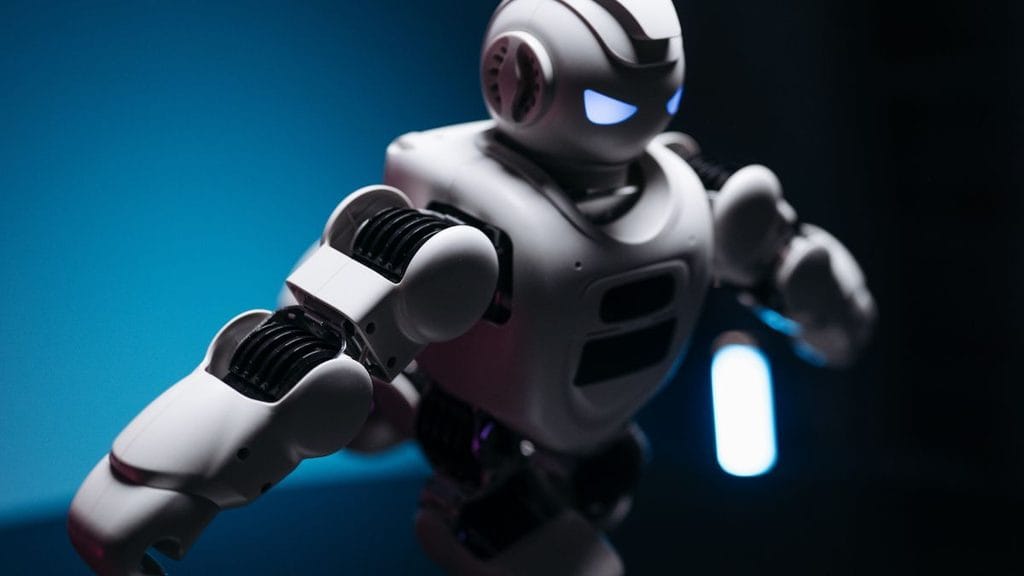
What Makes a Robot a Robot?
There isn’t one thing that separates a robot from machines. Instead, robotics is usually seen as a mix of parts—hardware, software, sensors, control systems. How they interact with the environment. AI home robots are a practical example of this combination, using sensors, software, and control systems to interact with their surroundings and perform tasks.
A good way to think about how a robot works is like this: Sense → Process → Act → Repeat. A robot uses sensors to collect data about its surroundings or how its doing. A processor or controller understands that data. Software and control systems decide what to do. Then actuators create movement or some kind of response.
NASA educational material describes sensors as parts that gather information about the world. It calls actuators parts that change the world. It also says that processors are systems that use sensor input to figure out how to make actuators respond.
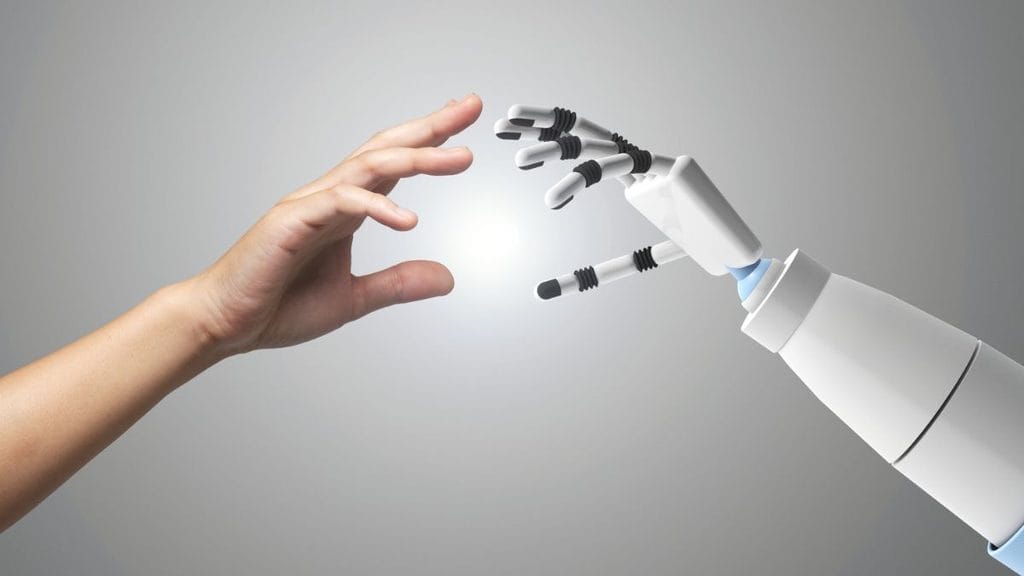
Sensors: How Robots Sense Their Environment
Sensors give robots information about their surroundings, objects, movement and even their own condition. Screenless AI gadgets also rely on sensors to understand their environment and respond to information without depending on a traditional screen.
Depending on what a robots meant to do it might use:
- Cameras to see things
- Touch or force sensors to feel things
- Force and torque sensors to measure push or pull
- Distance or range sensors to find objects
- Temperature sensors
- Position sensors
- sensors for tracking movement and direction
- LiDAR or RADAR for seeing and navigating
A sensor alone does not make something a robot. Its value comes from how the robot uses the information it gathers.
For example a robot that moves around might use cameras and distance sensors to detect obstacles. Its control software then uses that information to adjust its path.
NASA’s robotics work includes systems that use cameras, LiDAR, RADAR and other tools for navigation mapping avoiding obstacles and completing tasks.
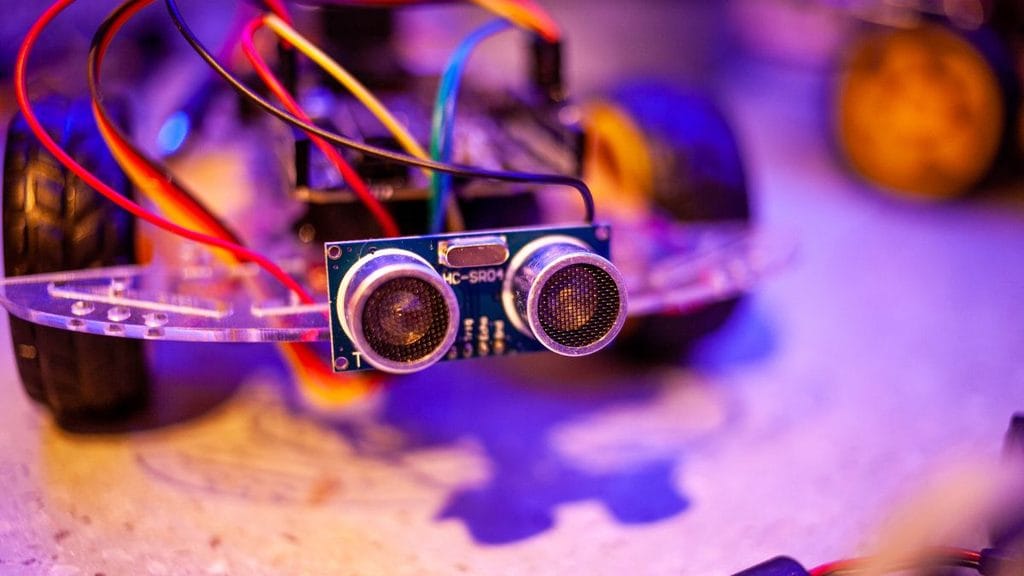
Processing and Control How Robots Decide What to Do
After collecting information a robot needs some kind of processing or control to decide what to do.
This can be as simple as a rule that is programmed into the robot. It can be software that lets the robot see, plan, navigate or adapt.
For example:
- A sensor detects an obstacle.
- The controller gets that signal from the sensor.
- Software determines the obstacle is blocking the way.
- The robot changes how it moves.
- Sensors keep feeding information as the robot continues moving.
Not every robot needs computer thinking to do this. A robot can follow fixed instructions and control rules without using intelligence.
NASA’s robotics programs include systems that control, see, plan, move, navigate and work independently showing that robot control can vary in complexity.
Actuators How Robots Take Action
Actuators let a robot physically change the world around it.
Common examples include:
- Electric motors
- Hydraulic actuators
- Robotic joints
- Wheels
- Grippers
- Robotic arms
An actuator turns control signals into movement. A motor might turn a wheel move an arm. Change the position of a joint.
NASA describes actuators as systems that produce force or movement to make a robot move.
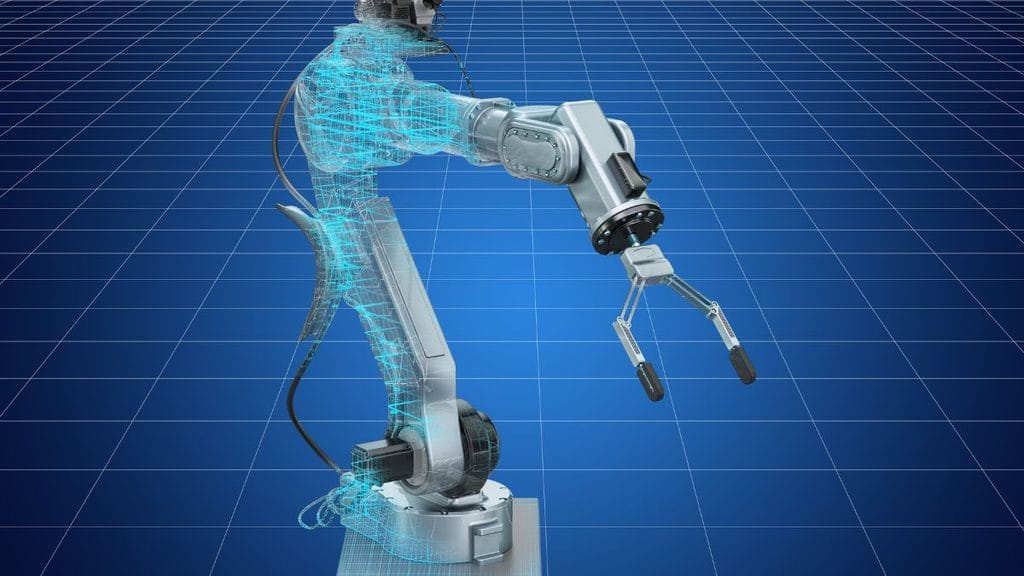
How the Sense–Process–Act Loop Works
The way to understand a robot is not just by looking at its parts. It’s by seeing how those parts work together.
A simple version of a robot feedback loop looks like this:
Environment → Sensors → Processor/Controller → Actuators → Environment
Then the process repeats.
Think about a robot vacuum cleaner:
- Its sensors detect objects and changes in the space around it.
- Its control system looks at that information.
- Software decides where it should go.
- Motors make the wheels turn.
- Sensors send data as the robot moves.
This feedback loop makes the system better than a device that just does one fixed action.
Input Processing and Output
A simple robot can be understood through three steps:
| Stage | Function | Example |
| Input | Collect information | Camera sees an object |
| Processing | Understand info and decide action | Controller plans a new path |
| Output | Do an action | Motors change direction |
More advanced robots add more layers—like mapping knowing where they are, planning, seeing, controlling force and adapting.
NASA’s robotics areas include sensing, seeing, planning, moving, navigating, controlling and handling things. This shows how these parts can become more complex in robots.
Why Feedback Matters
Feedback lets a robot react to changes of doing the thing over and over.
For example a robot in a factory doing a task might use position. Force feedback to check its movement. A mobile robot might use sensors to see if things around it have changed.
This is especially important when a robot has to work with things or places that’re n’t fully predictable.
Does a Robot Need AI or Autonomy?
No. A robot does not have to have artificial intelligence to be a robot.
AI can help robots see better understand environments learn from data or make choices in situations. Robotics and AI are not the thing.
A robot can follow set instructions or old control rules without using computer thinking.
Autonomy is also not needed for every robot.
NASA describes robots that include both machines controlled from a distance and machines that work on their own. Its educational material also says that some robots can work by themselves while others need people to tell them what to do.
This means a robot that is controlled from afar can still be a robot—even if a person is giving orders.
Robot Autonomy Explained
Autonomy describes how much a system can work on its own without help.
Robots can operate at levels of control:
- Human-controlled: A person directly controls the robot.
- Supervised: The robot does set tasks while someone watches.
- Autonomous: The robot makes some choices. Does some things on its own.
- Autonomous: The robot can do tasks with little help.
NASA’s work with robots that work on their own includes technologies that let systems function in changing places with support.
Robot vs Machine What Is the Difference?
A robot is a type of machine. Not every machine is a robot.
The difference becomes clearer when you look at how the system senses, processes and acts.
| Feature | Robot | Basic Machine |
| structure | Usually present | Usually present |
| Sensors | Often used | May not have them |
| Processing/Control | Usually programmed or controlled | Can be simple or fixed |
| Physical action | Yes | Yes |
| interaction | Important | May be limited |
| Autonomy | May be on its own or controlled | Often fixed or done by hand |
| Reprogrammability | Common | Not always possible |
For example, a regular hand-operated drill is a machine. It does work. It doesn’t usually sense its surroundings. Control itself.
A robot drilling system can use sensors, controllers, software and parts to do a task.
The line between robot and machine isn’t always clear. That’s why the definition of a robot can depend on the situation.
Examples of Robots and Regular Machines
Robots:
- Industrial arms
- Mobile robots
- Mars rovers
- Self-driving cars
- surgery systems
- Humanoid robots
- Robotic tools
- Some robots that fly
Regular machines:
- Simple hand tools
- Traditional machines that press things
- Simple gears and parts
- Machines controlled by hand
- Machines that do one fixed action without robot control
Some things fall somewhere in between especially modern machines that act automatically.
Are Remote-Controlled Machines Robots?
A machine that is controlled from a distance can be a robot.
The key point is that being on its own is not the defining feature of a robot.
NASA’s robot programs include machines controlled from a distance along with machines that work independently.
For example a robot controlled from afar may get commands from a person. It still uses sensors, parts and a controller to carry out tasks.
What Are the Main Parts of a Robot?
Even though robot designs can be different most robotic systems share parts.
- Sensors: These give information, about the robot’s surroundings. How it’s working.
- Controller: This looks at inputs. Manages how the robot behaves.
- Software: This tells the robot how to understand information decide what to do control movement or perform a task.
- Actuators: These take control signals. Turn them into movement or other effects.
- Mechanical Structure: This is the body. This is the shape, the joints, the wheels, the arms, the tools or other parts.
- Power System: Robots need energy to run their processors, sensors, actuators and other parts.
Not every robot uses the setup. A small robot made for school projects and a robot that moves on Mars can have parts and software. They still follow the basic idea. They still follow the basic idea: sense, process and act.
What Makes a Robot Autonomous?
A robot becomes more on its own when it can do tasks and make decisions with help from people.
Autonomy can include:
- Seeing the environment
- Figuring out where it is
- Planning what to do
- Moving around
- Avoiding things
- Checking how it is doing
- Changing when things change
- Doing tasks without people giving orders
But autonomy is not a yes-or-no thing. It’s a scale.
So a robot can be helpful and advanced without being on its own.
Real-World Examples of Robots
Industrial Robots
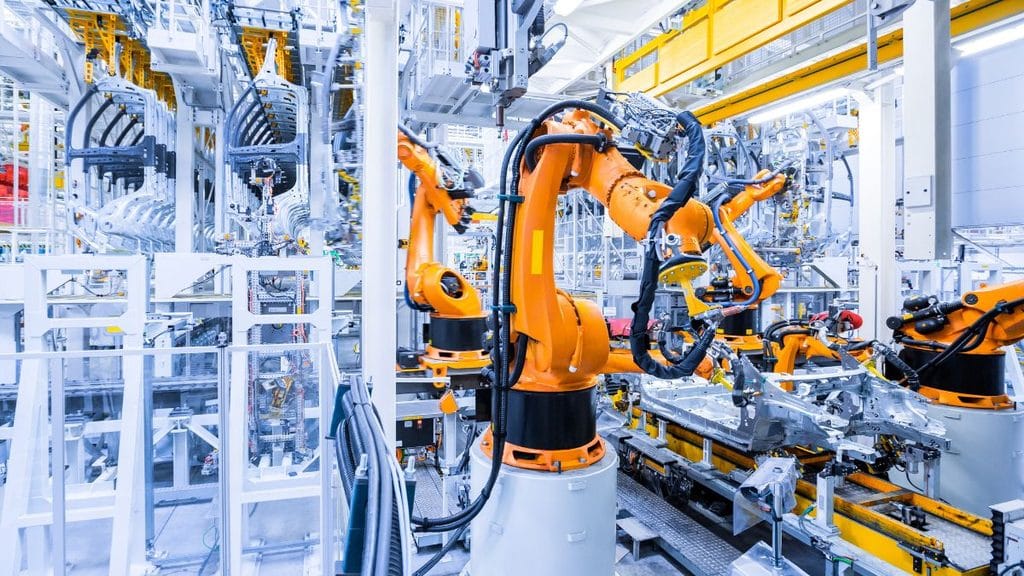
Industrial robot arms are built to handle tasks such as making things putting things together moving things and other specific jobs.
These robot arms usually have parts like motors, sensors, controllers and software that help them carry out movements.
Mars Rovers
NASA’s robots that travel to planets show how robotics combines sensing, thinking, moving, navigating and touching objects. These machines receive instructions from Earth. At the time they use their systems to do work and react to what is happening around them. NASA views space machines that go to worlds as examples of robots that can operate independently after getting directions.
Humanoid Robots
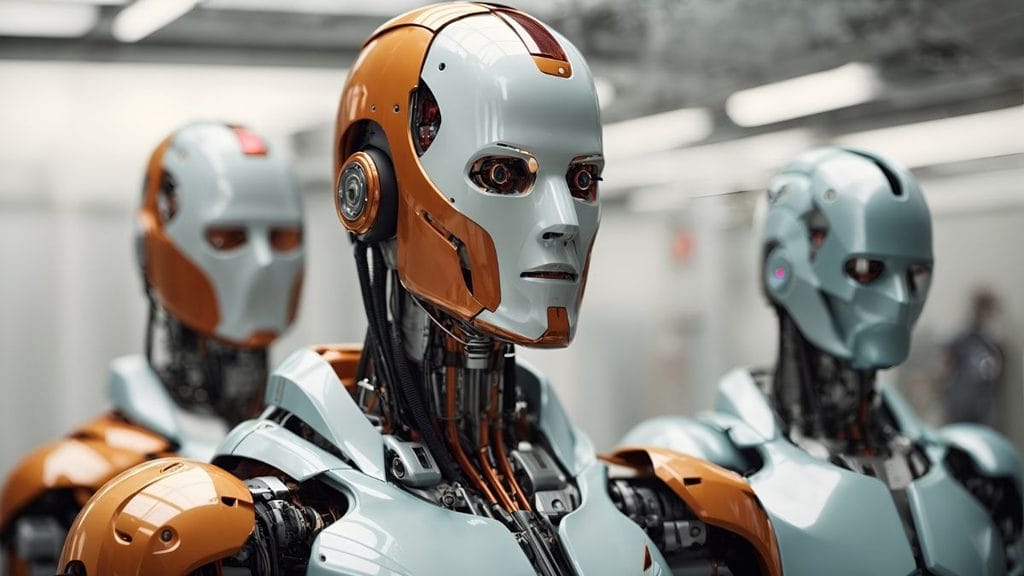
Humanoid robots are designed with a body that looks like parts of a person. They may include arms, hands, legs, cameras, force sensors, controllers and advanced software. NASA’s Valkyrie for example was developed as a humanoid robot. It uses sensing and actuator technologies that are meant for working in environments.
Mobile Robots
Mobile robots move through an environment using wheels, legs, tracks or other ways of getting. They rely on sensors and navigation software to know where they are and where they need to go.
A Simple Test: Is It a Robot?
When deciding if a device counts as a robot, ask these questions:
- Can it receive information from its environment or from its state?
- Does a controller or programmed system process that information?
- Can it produce an action? Change its environment?
- Can its behavior be. Programmed to perform a task?
- Does it interact with the world as part of that task?
The clearer a system shows these traits the stronger the reason to call it a robot.
No list sorts every system exactly. Robotics includes kinds of technology. It ranges from machines that are operated from afar to systems that make their decisions.
What Makes a Robot Different From Automation?
Automation and robotics overlap. They are not the same.
Automation means using technology to carry out a process with minimal involvement.
Robotics focuses on machines that can physically interact with their surroundings. These machines use actuators, sensors, and control systems to do so.
A fixed automated production machine might repeat the step over and over under conditions. A robot might be more flexible. It could sense changes, move or be reprogrammed.
This difference becomes especially important when comparing fixed automation with systems.
FAQs
What qualifies as a robot?
A robot is a programmable physical system that can sense, process information, and perform actions in the physical world.
What are the 5 main components of robots?
The five common components are sensors, controller/processor, actuators, mechanical structure, and power supply.
Who first invented a robot?
The modern term “robot” was introduced by Czech writer Karel Čapek in his 1920 play R.U.R.; the first industrial robot was developed by George Devol and later commercialized with Joseph Engelberger.
What are 8 types of robots?
Eight common types include industrial, mobile, collaborative, humanoid, medical, service, autonomous, and space robots.
What are the big 4 of robotics?
The four major areas are often described as sensing, perception/processing, planning/control, and actuation, which work together to let robots perceive and interact with their environment.
Key Takeaways:
- A robot is more than a machine with a motor or computer.
- Robots commonly combine sensors, processing or control, software, and actuators.
- The basic robotic cycle can be understood as sense → process → act → repeat.
- Sensors allow robots to gather information about their environment or internal state.
- Controllers and software determine how the robot responds.
- Actuators allow robots to create physical movement or other effects.
- AI is not required for every robot.
- Not every robot has to be autonomous.
- Robots can be remotely controlled, partially autonomous, or highly autonomous.
- The difference between a robot and a basic machine is often found in how sensing, control, programming, and physical interaction are integrated.
- Real robots range from industrial arms and mobile robots to planetary rovers and humanoid systems.
- Ultimately, what makes a robot is the integration of sensing, computation or control, and physical action into a system designed to perform tasks and interact with the physical world. The exact level of intelligence, autonomy, and complexity can vary significantly from one robot to another.
Additional Resources:
- University of Michigan Robotics: Explains how sensing, computation, actuation, and control work together in robotic systems.